
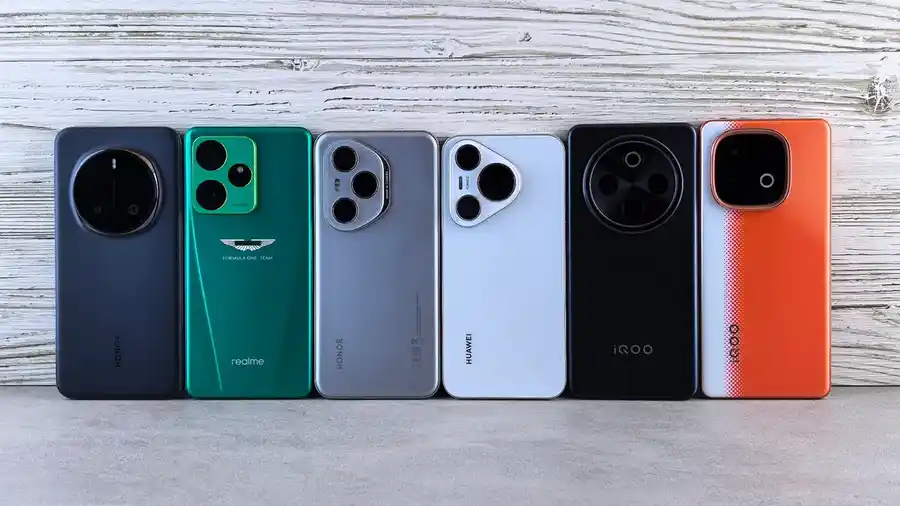
How to Compare New Phone Launches Against Older Models
Last updated: November 01, 2026
Quick answer: compare a new phone launch against the older model by checking what changed in the chipset, battery, camera, software support, and launch price, then deciding whether those changes matter for the way you use a phone. A newer model is not automatically the better buy, especially if the older version already has the performance, battery life, and update support you need. This guide explains how to compare new phone launches against older models with the numbers and features that matter most.
Key Takeaways
- Compare the phone you already know against the new one, then judge whether the differences matter.
- Focus on the generation gap, not the brand label.
- Judge chipset, battery, and camera by real-world effect, not spec noise.
- Discounts can make an older phone the better value, even after a new launch.
The fastest way to compare new phone launches and older models
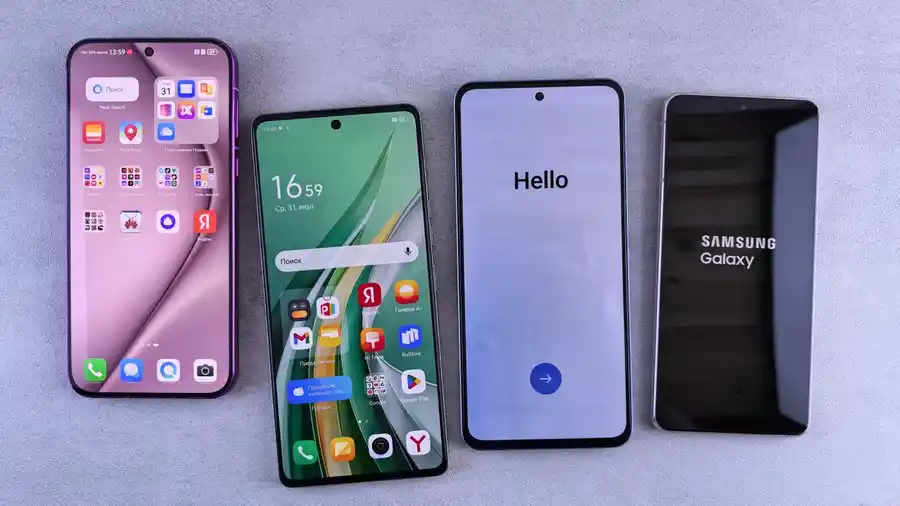
The cleanest comparison starts with the old model you already know, not the glossy launch slide. Pick one previous generation phone and ask five questions: what is the chipset, how much battery capacity is there, what did the camera hardware change, how long will software support last, and what is the launch price difference. That gives you a real value check instead of a spec-for-spec staring contest. For broader launch context, you can also compare against the latest mobile phones hub and the manufacturer’s product pages.
A launch model can look far better on paper because it gets a newer processor, a brighter display, or a different camera sensor. That does not tell you whether it is worth the extra money. The older model may already have the same main camera setup, nearly the same battery size, and update support that still covers several years. In that case, the newer model is mainly about marginal gains.
Use this frame:
- Performance: compare chipset generation, not just the brand name.
- Battery: compare capacity and charging standard, not only “all-day” claims.
- Camera: compare sensor changes, lens changes, and software processing.
- Support: compare the promised update window.
- Price: compare launch pricing with the current street price of the older model.
If the new launch improves only one of those areas, and the old model is already strong in the other four, the upgrade is usually hard to justify. That is especially true when the older phone is one generation behind, not three or four.
For deeper buying context, this page supports the hub on latest mobile phones, but the job here is to compare generations, not to chase the newest release. For update-policy details, see the manufacturer’s support page and product page before you decide. Qualcomm’s chipset family pages can also help when you want to confirm processor class and generation.
What changed from last year’s model?
The most useful comparison is the gap between generation upgrades, not the model names. A phone branded “new” can still be a light refresh, while an older model may remain the better value because the changes are small.
Start with the chipset. A jump from one midrange chip to the next may not feel dramatic in everyday use. If the older model already opens apps quickly, handles social apps, and records video smoothly, the newer chip may matter more for long-term support, gaming, or sustained performance than for day-to-day speed. Look at the chipset family and the generation number, because those tell you more than marketing names.
Then check the display. A new launch may advertise a higher peak brightness, a slightly larger panel, or a smoother refresh rate. If the old model already has a 120 Hz screen and the new one keeps the same refresh rate, the upgrade may be modest unless brightness or panel efficiency improves in a way you will notice outdoors.
Cameras need the same discipline. “New camera” can mean a real sensor upgrade, a better telephoto lens, or just a new image-processing mode. If the older model already uses the same main sensor size, similar aperture, and the same optical image stabilization, the difference may show up more in edge cases than in most shots.
A useful rule: if the launch note mentions “refined,” “enhanced,” or “improved tuning” more than it mentions a new sensor, new battery chemistry, or a new chipset class, the change may be small. That is not a bad thing. It just means the older model may still be the smarter purchase.
How should I compare chipset, battery, and camera without getting lost?
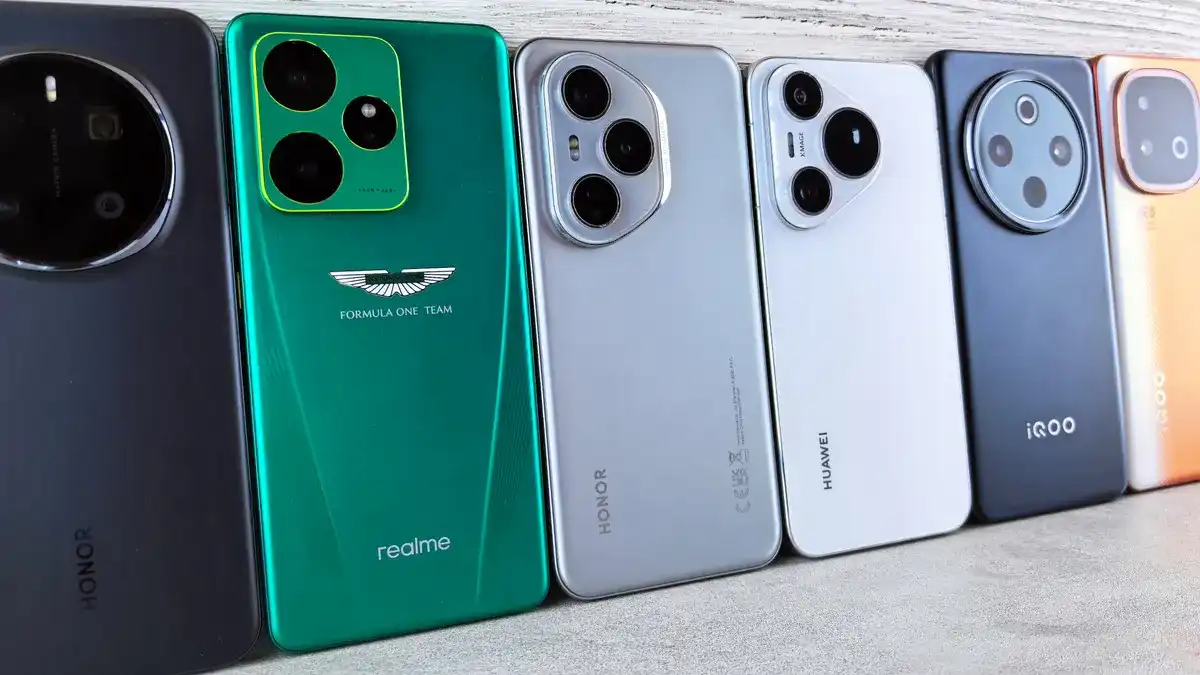
You should compare those three parts by outcome, not by spec clutter. A chipset should be judged by performance tier and efficiency, a battery by real endurance and charging behavior, and a camera by the photos you actually take.
Here is a practical process that keeps the comparison honest:
-
Write down the exact model names.
Compare, for example, “Phone X” against “Phone X 2025” or “Phone X Pro” against the previous year’s “Phone X Pro.” This avoids mixing base, Plus, and Pro models, which often have different cameras and battery sizes. -
Match the chipset class first.
Note whether the new phone moved from a midrange chip to a flagship chip, or just from one generation of the same tier to the next. A same-tier jump of one generation can be useful, but a tier change is more meaningful than a small clock-speed gain. -
Compare battery in mAh, then in charging standard.
Battery capacity alone does not tell the story, but it gives you a baseline. A 5,000 mAh battery with 45 W charging behaves differently from a 4,500 mAh battery with 25 W charging. The bigger number is not automatically better if efficiency is worse, but charging speed affects daily convenience. -
Look at the camera stack, not one headline sensor.
Check the main sensor, ultrawide, and telephoto separately. A new launch that keeps the same main sensor but improves the ultrawide and video stabilization is a meaningful change for some buyers and irrelevant for others. -
Check software support in years and policy terms.
This matters as much as hardware when the older model is already a year or two old. If the new model gets a longer update window, that can outweigh a small hardware gap. Samsung and Google, for example, have publicly stated extended support policies on recent flagships; the exact term varies by model family, so check the manufacturer’s current policy page before you decide. -
Compare street price, not just launch price.
Launch price tells you what the manufacturer wants. Current price tells you what the market is asking. A previous generation phone often becomes far more attractive once discounts begin. -
Ask what changed for your use case.
If you mostly message, stream, and take casual photos, a better chipset may not matter as much as a bigger battery or a longer software window. If you game or shoot lots of video, the new launch may justify the premium sooner.
That process stops you from buying the newest name when the older model still fits the job.
How do launch prices and discounts change the verdict?
Launch pricing can make a weak upgrade look expensive, while discounts can make an older model the better deal overnight. The key is to compare what you pay now for each phone, not what each one cost at release.
A new phone usually enters the market at full price. The previous generation often drops after the launch window, and that drop can erase the practical advantage of the newer model’s minor upgrades. If the older phone is discounted enough that it saves a noticeable amount of money and still covers the main features you care about, it may be the more sensible buy.
This is where many comparisons go wrong. They compare a shiny new launch at full MSRP against an old model at last month’s sale price, then declare the older one “better value” without saying whether the discount is temporary. That is sloppy. A fair comparison uses the current price you can actually pay today.
Ask four questions:
- Is the new phone priced as a true upgrade or as a status item?
- Is the older model discounted because it is aging out, or because its replacement just arrived?
- Does the older model lose any feature you care about, such as telephoto zoom or wireless charging?
- Will the savings cover a case, charger, or a jump to more storage?
The answer often depends on how close the two phones are in generation. A one-year gap can favor the older model if the discount is large and the hardware difference is small. A two- or three-year gap is harder to defend if the older model is nearing the end of software support. That is where the price cut stops being a bargain and starts becoming a countdown.
When is the new launch actually worth it?
The new launch is worth it when the old model misses on one of the features you feel every day. That usually means battery life, camera quality, or software support, not a small increase in benchmark performance.
A new launch makes sense if the older model has one of these problems:
- The battery no longer lasts a full day for your routine.
- The camera struggles in low light and the new model has a clearly better sensor or processing pipeline.
- The older model is close to the end of its update window.
- The chipset in the old model is already a bottleneck for gaming, editing, or heavy multitasking.
- The new launch fixes a hardware weakness the older version could not.
The most common mistake is paying for a newer generation when the older phone already does 90 percent of the job. If the old model’s display is still sharp, the battery is fine, and the camera is good enough for normal use, you are buying novelty, not necessity.
There is a second mistake: buying the older model only because it is cheaper, then ignoring the support timeline. A phone that is already far into its update life may still feel fast today but become annoying much sooner. That matters because software support affects security updates, app compatibility, and resale value.
A practical rule: if the newer phone gives you a major gain in one area you care about and only a minor loss in price efficiency, it can be the right pick. If the gain is mostly on the spec sheet, the older model usually wins.
For primary sources on update policies and hardware details, check the manufacturer’s product pages and the support policy pages from the brands involved. Qualcomm’s chipset family pages also help when you want to compare the generation and tier of the processor itself.
What older-model buyers should check before they decide
Older-model buyers should check software support, storage size, and battery health before they buy. Those three details tell you whether the discount is real value or just leftover stock.
A previous generation phone can be a smart buy if the current price is meaningfully lower and the feature set still matches your needs. But a cheap listing with 128 GB storage and only a short remaining support window may age badly. That is a poor trade if you keep phones for 3 to 5 years.
Check these items in order:
- Update policy: How many major OS updates and security years remain?
- Storage: Is 128 GB enough, or do you need 256 GB for video, offline music, and photos?
- Battery condition: If you are buying used or refurbished, battery wear matters more than a small camera difference.
- Variant: Confirm whether the phone is the base, Plus, or Pro model. One suffix can change the display, camera, and battery.
- Warranty and return window: A 14-day return window or a standard retailer warranty can reduce the risk if the phone is not what you expected.
This is where value retention matters. A phone that holds its resale value well may cost more up front, but it can reduce your total cost over a 2-year ownership cycle. A cheaper model with poor value retention may look like a bargain and still cost more once you sell it or replace it sooner.
If you are choosing between a new launch and an old model, do not compare them as isolated objects. Compare the whole ownership path: purchase price, update life, likely resale value, and the time you expect to keep it.
The comparison template that keeps you honest
A good comparison template forces the decision out of marketing language and into facts. Use one row for each phone and one column for each feature that matters.
| Item | New launch | Previous generation | What it means |
|---|---|---|---|
| Chipset | Faster, cooler, or longer supported? | ||
| Battery | Bigger, same, or worse endurance? | ||
| Camera | New sensor, better zoom, or just tuning? | ||
| Software support | More years left? | ||
| Launch/current price | Is the gap large enough to matter? | ||
| Storage | Enough room for 2 years of use? |
Once the table is filled in, the decision usually becomes obvious. If the new launch is only a small chip bump and the old model is discounted heavily, the old phone wins. If the new model improves the camera, adds several years of software support, and only costs a little more, the newer one is the better long-term buy.
The mistake to avoid is ranking phones by one heroic feature. A great camera does not rescue short battery life for a commuter. A fast chipset does not matter if the support window is nearly over. Good comparison work balances the parts that affect daily use and resale value.
Is a newer phone always better?
A newer phone is not always better. A newer launch can have a faster chipset or longer software support, but an older model may offer the same camera quality, similar battery life, and a much lower price. If the older phone still covers your use for the next 2 to 3 years, the new release may not be worth the extra spend.
Should I buy last year’s phone?
Yes, if the discount is real and the support window is still healthy. Last year’s phone is often the sweet spot when the hardware is close to the new model and the price has already dropped. Check the chipset, battery, camera changes, and how many software years remain before you decide.
How much better is a new phone than the old model?
It depends on the generation gap and the feature that changed. A one-generation jump may feel small for everyday use and larger for gaming, video, or low-light photos. The right comparison is not “new versus old” in general; it is whether the new model fixes a problem you actually have.
Drafted with AI; not yet reviewed by a person.