
How to Check How Long a Mobile Phone Will Get Security Updates
Last updated: November 19, 2026
Quick Answer: most phones are easiest to judge in about 5 minutes—check the manufacturer’s official support page, then match the exact model number to the published software lifecycle. If you want to know how long a phone will keep getting security updates before you buy it or keep using it, this article on How to Check How Long a Mobile Phone Will Get Security Updates shows you how to find the support end date, update cadence, and model-specific limit without guessing.
Key Takeaways
- Check the official cutoff date, not the marketing line, because security updates protect against known flaws.
- Find it on the official brand page; the location differs between Android and iPhone.
- Security updates are smaller fixes, while OS updates change the phone’s operating system.
- Check the model page for the device name, support length, and patch cadence.
How to check how long a mobile phone will get security updates
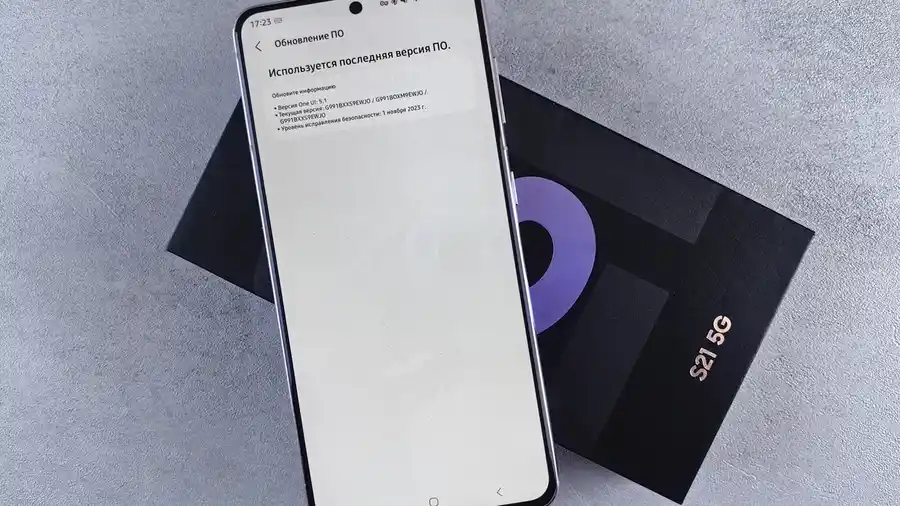
Picture this: you’re comparing two phones, and one sounds “supported for years” while the other only says “regular updates.” You need the real cutoff, not a marketing line, because security updates are what keep known flaws from sitting open on your phone.
The truth is, the answer lives in the manufacturer support page or the model page, not in the box. For Android phones, that page often lists the software lifecycle by model or family; for iPhone, Apple usually groups support by device generation and release window. Here’s the catch: a phone can still work after support ends, but it stops getting the fixes that matter most.
-
Open the manufacturer support page and find the software update policy.
Look for terms like “security updates,” “software support,” or “lifecycle.” The result should be a policy page or support article, not a store listing. -
Search the exact model name on the policy page.
Use the full name, such as “Galaxy S24,” not just the brand. The point is to avoid family-level claims that may not apply to your exact phone. -
Check the support end date or support window.
Some pages list a year, some list a number of years, and some list an end date by month. Write down the date range that applies to that model. -
Check the security patch frequency.
See whether the phone gets monthly, quarterly, or less frequent patches. A longer support window with slow patches is different from a model that gets monthly fixes for a shorter time. -
Confirm the OS version support.
Security updates and full Android or iPhone version upgrades are not always the same promise. If the OS stops first, the phone may still get security patches for a while. -
Compare the support date with the current date.
If the published support period is close to its end, consider the phone a shorter-lived option and verify the details with the manufacturer or a trusted professional source. -
Save the policy page or screenshot it.
Support pages change. Keeping the page helps if you need proof later, especially for a phone with a long 3- or 5-year cycle.
Where do I find the support end date on Android and iPhone?
You find it on the official brand page, but the place it appears differs between Android and iPhone. Android makers often bury it in a model support table or FAQ, while Apple usually gives support through its update history and device compatibility lists. For a quick cross-check, Apple’s support pages and Google’s Pixel update support pages are useful reference points.
However, the answer can feel harder than it should because a lot of phone pages advertise “great software support” without saying when support ends, and that can hide the real limit. The better page is the one that names the exact device and ties it to a policy date or support duration.
- On Android: check the maker’s support site first, then the product page for the exact model.
- On iPhone: check Apple’s support pages for iOS compatibility and security updates tied to the device family.
- On carrier-branded phones: ignore the carrier pitch and look at the phone maker’s policy first.
For Android, the most useful detail is often the software lifecycle statement. It may say the phone gets 3 years of OS upgrades and 5 years of security patches, or it may give a fixed end date. For iPhone, the support story is usually tied to the model’s ability to run current iOS releases and receive security-only fixes after major OS support shifts.
The honest trade-off is simple: a clearer policy page is better than a vague promise. A phone with a public support table is easier to trust than one that only says “regular updates.” If the page won’t name the exact model, that’s a warning sign.
How do I tell security updates from OS updates?
Security updates are smaller fixes, while OS updates change the phone’s operating system. That difference matters because a phone can stop getting new Android or iOS versions and still receive security patches for months or years.
Because people often mix these up, the two timelines can split. A model may get its last major OS version in year 3, then keep receiving security updates into year 5.
- OS updates add features, redesign menus, and sometimes new privacy tools.
- Security updates patch flaws in the current system.
- Patch frequency tells you how often those fixes arrive, not how many years the phone lasts.
Here’s the catch: a phone that gets quarterly security patches is not the same as one that gets monthly patches. Quarterly is still support, but it means you could wait longer for a fix after a problem is found. If a maker says “up to 7 years,” check whether that promise covers both OS upgrades and security patches, or only one of them.
A useful example is the wording on policy pages. If a page says “Android version updates for 4 years” and “security updates for 5 years,” the longer number is the one that answers your question about security support. If it only lists OS support, keep looking.
What should I check on the model page before I buy?
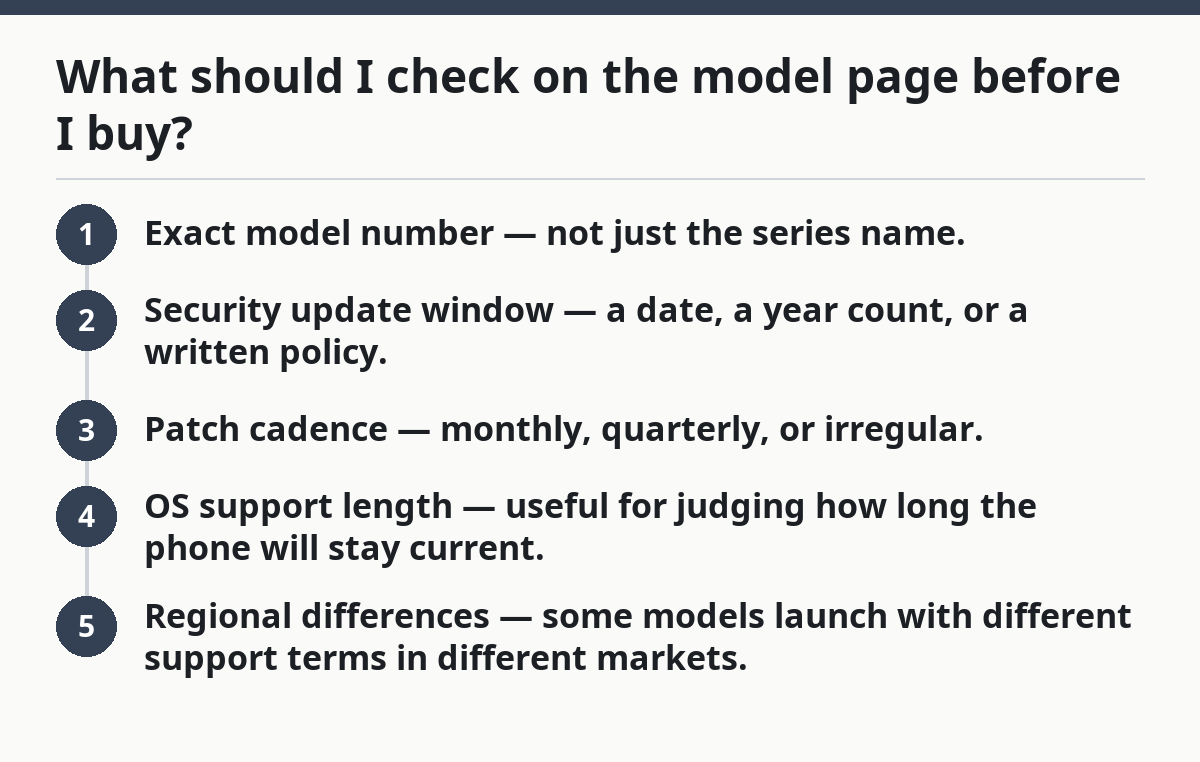
You should check the model page for three things: the exact device name, the support length, and the patch cadence. Those three details tell you whether the phone has a long software lifecycle or just a vague promise attached to the brand.
Picture this: you’re shopping two phones that look almost identical on a store shelf, and one has support that runs longer by a full year. That difference won’t show up in the camera spec sheet, but it matters when the first security hole drops. A phone is not “future-proof” just because it launched this year.
Before you buy, look for:
- Exact model number — not just the series name.
- Security update window — a date, a year count, or a written policy.
- Patch cadence — monthly, quarterly, or irregular.
- OS support length — useful for judging how long the phone will stay current.
- Regional differences — some models launch with different support terms in different markets.
If the model page does not say any of those things, use the support page from the phone maker, not the retailer. Retail listings often repeat the same vague line because they are written to sell, not to document. A model with clear support terms is easier to compare and safer to keep for a longer run.
If the page gives a clear policy, that is enough to make a solid call without extra jargon. The support details matter more than the launch hype.
What if the support page is vague or missing?
If the support page is vague or missing, treat the phone as a riskier buy until you find a better source. That is the honest answer, because a missing policy usually means you cannot confirm the support end date. If you are unsure, consult the manufacturer or another trusted professional source before you buy.
Picture this: you search the brand site and find product photos, spec sheets, and a glossy launch article, but no clear update policy. That can happen with older phones, regional models, and bargain devices. It also means you have less proof that the phone will still get fixes 2 or 3 years from now.
Use this order:
- Try the manufacturer support page first.
- Check the model support article or FAQ.
- Look for a device-specific policy page.
- If needed, search the exact model plus “security updates.”
A vague page can mean one of three things. The maker has not published a clear policy. The model is too old to support confidently. Or the policy exists, but only for a different region or carrier version. None of those is ideal when you’re trying to judge long-term use.
On the flip side, don’t overread a silence as proof that support is bad. Sometimes the page is just hard to find. Still, if you cannot verify the model’s support terms in a few minutes, I would treat that phone as a weaker choice than one with a public lifecycle table and a clear patch schedule, and I would confirm the decision with a professional source if needed.
Which sources are worth trusting?
The most trustworthy sources are the phone maker’s own support pages and model pages. Secondary sources can help you find the page faster, but they should not replace the official policy for security updates.
This matters because support terms change over time. A phone review written at launch may say “long support” without stating the actual window, and that wording ages badly. The official page is the source that can tell you whether the policy covers Android updates, iPhone security fixes, or both.
Use these source types first:
- Manufacturer support page — best for the support end date.
- Model page — best for model-specific support terms.
- Official software policy article — best for lifecycle rules.
- Security bulletin or update log — best for seeing patch frequency.
Two public examples of the kind of source to look for are Apple’s support documentation and Google’s Pixel update support pages, and both are useful reference points when you want to check how long a mobile phone will get security updates. A brand that publishes policy pages is doing the right thing; a brand that hides the schedule is asking you to guess.
The honest trade-off is time. Official pages take longer to read, but they save you from buying a phone that looks fine today and runs out of support sooner than you expected. If a retailer page and the maker’s page disagree, trust the maker. For broader device-checking context, you can also compare the model with related pages on smartphone buying guides and phone repair support.
The fast way to decide if a phone still has enough support
The fastest way is to match the current date against the published support window, then check whether the phone still gets regular security patches. That two-part check tells you more than a shiny spec list ever will.
Picture this: you’re standing in a shop and the salesperson says the phone is “well supported.” That phrase is almost useless unless it comes with a date or a policy. A real support check takes about 5 minutes, and it can save you from buying a dead-end model.
Use this simple test:
- If the maker names a clear support end date, compare it to today.
- If the phone has at least one or two years left, it’s a stronger long-term buy.
- If support ends soon, only buy it if the price is low enough to match the short runway.
- If the page won’t say anything clear, move on.
This is where most people go wrong: they focus on launch hype and ignore the software lifecycle. A good phone can still be a bad buy if the security updates run out too soon. That is especially true for Android phones with uneven policy pages and carrier variants with muddy support terms.
If you want a broader overview of update support across phone brands, the hub on mobile phone software and update support is the next place to go. This page is just the check: find the policy, read the date, and make the phone prove it will stay protected.
Where can I check a phone’s update support length?
Check the phone maker’s official support page or the exact model page. That is the most reliable place to find the support end date, patch schedule, and any separate OS version policy. If the page is vague, search the model name plus “security updates” and verify the result on the brand site.
Are security updates different from OS updates?
Yes, they are different. OS updates change the operating system and often add features, while security updates patch flaws in the current version of the software. A phone may stop getting major Android or iPhone upgrades before it stops getting security fixes.
Why do update policies matter when buying a phone?
Update policies matter because they show how long the phone will keep getting fixes for known security problems. A phone with a short support window can become a weaker buy even if the hardware is still good. The policy also helps you compare models that look similar on the shelf but age very differently.
Drafted with AI; not yet reviewed by a person.