

How to Check if a Mobile Phone Has Regional Software Limits
Last updated: November 19, 2026
Quick answer: 6 checks in about 10 minutes can tell you whether a mobile phone has regional software limits. How to Check if a Mobile Phone Has Regional Software Limits starts with the model number, firmware region, app store, feature menus, SIM behavior, and update channel before you buy or move a SIM. That is the direct answer. The steps below show what to look for and what each clue means. For broader device-buying context, see the mobile phone software and update support hub.
Key takeaways
- A phone can look identical on the outside and still run different firmware by market.
- The cleanest checks are the model code, the software build, and the app store tied to the device.
- Region lock is only one part of the picture; payment tools, call recording, and AI features can also change by country.
- A missing feature may not mean the phone is defective. Sometimes it is a manufacturer region policy.
- Confirm limits before activation, not after you have moved data and signed in.
Check the model code and firmware region first
Picture this: you have the phone in hand, the box is gone, and you want to know if the software will behave the same in your country. Start with the model code and the firmware string, because those two lines often tell you more than the sales page ever will.
On many phones, the model number and firmware build expose a market code such as a region suffix or carrier variant. That matters because the same hardware can ship with different firmware variants, local app store settings, and feature flags. A quick look can save you from a phone that skips AI features or a local payment tool. In many cases, one build code is enough to narrow the market.
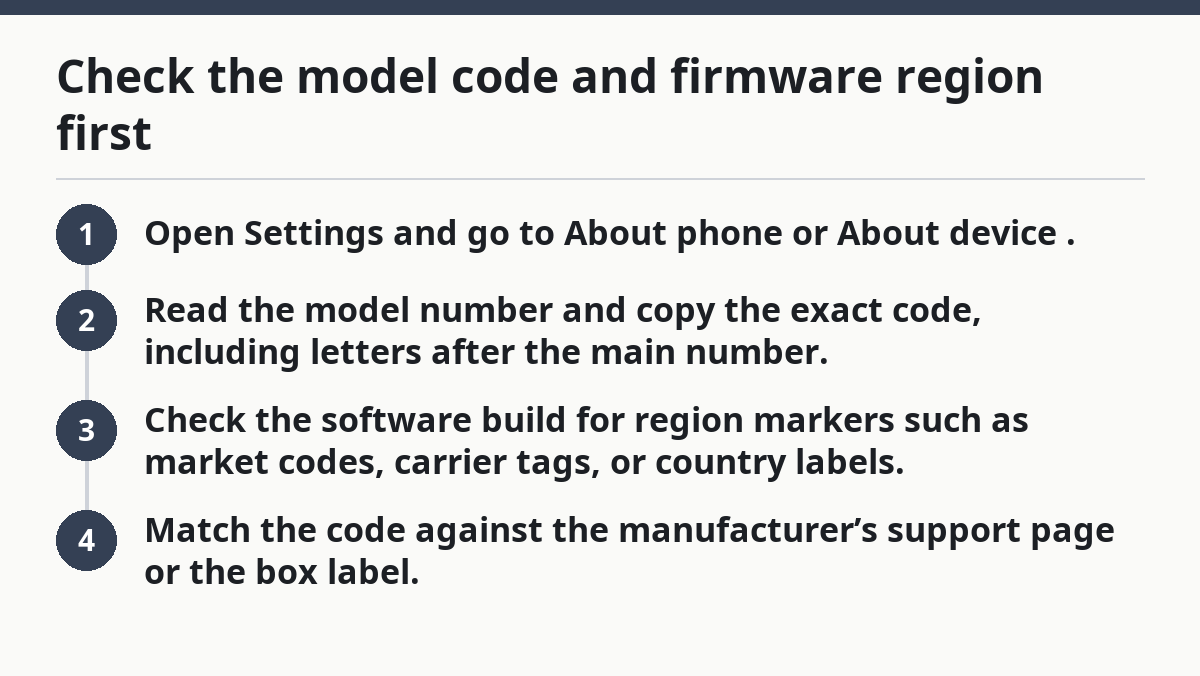
- Open Settings and go to About phone or About device.
- Read the model number and copy the exact code, including letters after the main number.
- Check the software build for region markers such as market codes, carrier tags, or country labels.
- Match the code against the manufacturer’s support page or the box label.
If the code changes by market, the phone may have regional software limits even when the hardware is the same. That is the first clue, not the final proof.
How do you tell if a phone is region locked?
A phone is region locked if it expects a SIM, account, or country setup from a specific market before all features work. The trick is to separate a true region lock from a normal carrier lock or a one-time first-use rule.
The easiest test is to look for setup messages tied to country, SIM origin, or activation region. Some brands also use a local account or a regional first-boot rule before the device opens certain functions. A phone can still make calls and hide call recording, local app support, or payment options.
- Insert a SIM from your home country and watch the setup screen.
- Open Phone, Wallet, and Recorder after setup and note any missing menus.
- Check the SIM warning text for phrases about “unsupported region,” “local service only,” or “not available in this market.”
- Restart the phone with a second SIM if you have one from another market.
If the phone works only after a specific regional SIM or account, you have a real lock or a region-gated setup. If it works normally but one feature is absent, that is usually a software limit, not a full lock. Big difference.
Compare the app store and local app support
The app store tells you a lot because it often follows the phone’s market setting, not just your passport or address. A phone can run fine yet still point you to a local app store with different listings, payment methods, and update rules.
This is where people get tripped up. You may see the Play Store, App Store, or a manufacturer store, but the catalog can still shift by region. That affects banking apps, transit tools, video services, and sometimes AI features that need a local server or local language pack. A store can also list different payment options in the same month, depending on the region.
- Open the app store already on the phone.
- Search for one local app you know should exist in your country.
- Check the country of the store in the account settings or store footer.
- Look for payment methods that match your region, such as local cards or carrier billing.
- Review app availability for one banking or transit app that is country-specific.
If the store country is different from the SIM country, the phone may not be fully aligned to your market. That does not always break the phone. It does mean app support can change under your feet.
What feature menus reveal about regional software limits
The quickest proof often sits in the feature menus, where hidden limits show up as missing toggles or grayed-out options. Check call recording, wallet, AI features, and sharing tools before you assume the phone is fully open.
Many manufacturers gate features by manufacturer region policy, local law, or service contracts. A phone sold in one country may show call recording, while the same model in another country hides it. The same pattern can affect AI call summaries, message translation, or regional payment features. On some models, one menu can reveal the difference in seconds.
- Open Phone and look for call recording in the in-call menu.
- Open Wallet or Payments and see whether setup is blocked by country.
- Open AI or Assistant settings and check whether the tools are available.
- Open Language and region settings and see which countries can be selected.
A missing menu is not proof by itself, but it is a strong clue when paired with a region-coded firmware build. On some phones, the menu appears only after a local SIM is inserted. On others, it never appears outside the approved market. That is why the menu check matters.
Why firmware variants matter more than the box
Firmware variants decide what the phone can do after you turn it on, and that matters more than the color, storage size, or retail box. Two phones with the same name can ship with different software branches, and the branch controls updates, local services, and feature rollouts.
This is where buyers get burned. A listing may say the model name only, but the software can differ by country, carrier, or retail channel. If you care about firmware, ask for the build code, the CSC or market code, and the current update channel. A build code can point to a carrier variant in one line.
- A global build may include broader language and app support.
- A carrier build may add lock screen apps, custom voicemail, or delayed updates.
- A local market build may enable or hide call recording, payments, or AI tools.
- A cross-region import may work well for basic use and still miss local services.
Here’s the catch: firmware differences are often invisible until after activation. That makes the pre-purchase check more useful than any spec sheet full of camera numbers and battery claims. If you only check the box, you may miss the software branch.
The simple checklist I use before buying or activating
Picture this: you are about to set up a new phone, and you want one clear pass/fail check before moving in your data. Use the checklist below, because it catches the most common regional software limits in about 10 minutes.
The goal is to spot the limits that matter to you before the phone becomes hard to return. That includes app store country, payment features, call recording, and any AI feature tied to a market. In practice, 10 minutes is usually enough.
- Read the model code in About phone.
- Check the firmware build for a market or carrier code.
- Open the app store and confirm the store country.
- Test the phone app for call recording.
- Open Wallet or Payments and see whether setup works.
- Open AI or assistant tools and confirm they appear.
- Insert your SIM and watch for region warnings.
- Restart once and repeat the missing-feature check.
If two or more of those items fail, assume the phone has regional software limits unless the maker’s support page says otherwise. That is the practical rule. It keeps you from guessing.
What to do when the limits are real
If the limits are real, the right move is to decide whether the missing feature matters more than the phone itself. That can be clear only after you compare the feature list with your daily use.
Some limits are tolerable. Missing call recording may not matter if you never use it. A different local app store may be fine if your main apps are available. Other limits are dealbreakers, especially if you rely on payment features or AI tools that only work in one region.
- Keep the phone if the missing feature is optional.
- Return or exchange it if the missing feature is part of your daily routine.
- Ask the seller for the exact firmware region if you still have time.
- Compare the device against the manufacturer’s regional policy, not just the retail listing.
The safest route is not to assume every feature will travel with the hardware. Once you know how to check, the same process works on most Android and iPhone models. The labels change, but the logic does not.
Can software features change by country?
Yes, software features can change by country even when the phone model looks identical. A manufacturer may enable one feature in one market and hide it in another because of region policy, local service support, or language coverage.
That includes AI features, payment tools, call recording, and local app support. The change may come from firmware, an account setting, or the app store tied to the device. If a feature matters, check the country code before you buy.
How do I check if a phone is region locked?
Check the model code, firmware build, and setup screens for country warnings. Then test with your SIM and open the phone’s payment, recorder, and AI menus to see what appears.
A true region lock usually shows up during setup or first use, while a softer software limit just hides one feature. If the phone works normally but a feature is absent, you are usually dealing with a firmware variant rather than a hard lock.
Do some phones have features that vary by region?
Yes, many phones have features that vary by region. That variation can affect call recording, payment features, AI tools, and the local app store.
The same hardware may ship with different firmware variants or different manufacturer region policies. That is why the model number alone is not enough. If you rely on one feature, verify the region code before activation, not after.
For broader context on updates, firmware, and market support, see the Apple Support: About iPhone, iPad, and iPod touch models and the Android Help community.
Drafted with AI; not yet reviewed by a person.