
How to Track Mobile Phone Launch Events by Brand
Last updated: November 18, 2026
Quick answer: use 4 official details — the event page, livestream link, posted time, and recap — to track a mobile phone launch event by brand accurately. In How to Track Mobile Phone Launch Events by Brand, start with the brand’s own channels and use phone launch event pages as the source of truth, not reposts or rumor accounts. For launch timing, the official domain is the safest place to begin, with timezone conversion from a source such as timeanddate.com when needed.
What “tracking a launch event by brand” actually means
Tracking a mobile phone launch event means following the brand’s own event trail from first announcement to recap. That trail usually includes a brand event page, a livestream announcement, a launch schedule entry, and a post-event recap with the device name, keynote time, and the main reveal.
The job is not to guess which model is coming next. It is to know when a brand has scheduled an event, where the livestream will appear, and what time it starts in your time zone. A launch event can be a 20-minute video premiere, a live keynote, or a hybrid event with a stage presentation and an online stream.
The cleanest way to track this is by brand, not by rumor site. Samsung, Apple, Google, Xiaomi, OnePlus, and vivo each post launch information in different places and with different timing. Some brands put the event page up first and publish the livestream link later. Others announce the stream time in a newsroom post and move the page headline a day before launch. That is why a single calendar note is not enough.
A useful tracking setup gives you four things: the official event URL, the local time of the stream, the platform carrying the livestream, and a reminder to check the recap after the event ends. If you keep those four details together, you will know when to watch and where to look for confirmed launch information.
How do you find a brand’s launch event page fast?
You find a brand’s launch event page fastest by checking the brand’s official website first, then its newsroom, then its verified social accounts. The event page is usually the earliest place where a brand posts a date, a countdown, a livestream embed, or a “watch live” button.
Start with the brand’s homepage search if you know the name of the company. Many brands keep event pages under sections like News, Events, Press, or Launches. If the site has a search box, use the exact launch phrase from the brand’s own wording, such as “event,” “launch,” or “live.” A page titled “watch the keynote” or “join us live” is often the right one, even if the phone model name is not in the URL.
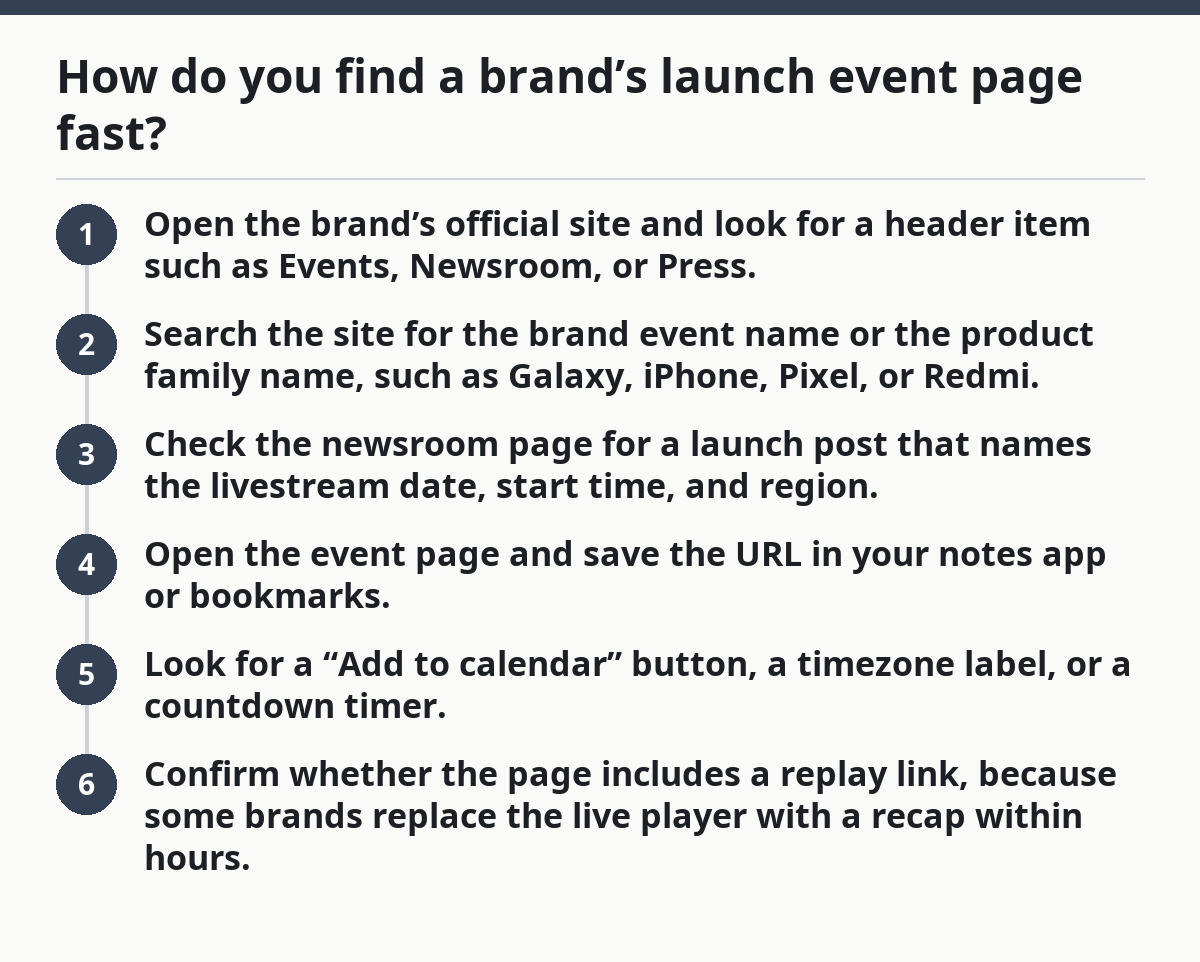
Here is the practical order that saves time:
- Open the brand’s official site and look for a header item such as Events, Newsroom, or Press.
- Search the site for the brand event name or the product family name, such as Galaxy, iPhone, Pixel, or Redmi.
- Check the newsroom page for a launch post that names the livestream date, start time, and region.
- Open the event page and save the URL in your notes app or bookmarks.
- Look for a “Add to calendar” button, a timezone label, or a countdown timer.
- Confirm whether the page includes a replay link, because some brands replace the live player with a recap within hours.
The detail that matters is timing. A launch page may appear several days before the event, while a livestream announcement can land later on X, YouTube, Instagram, or the brand’s own app. If the page only shows the date in the company’s home timezone, convert it immediately. A 10:00 a.m. launch in California is not 10:00 a.m. for a reader in London or Singapore.
A simple rule helps: if the information is not on the official domain, treat it as tentative until the brand confirms it, and check a reliable source or a professional source if the date affects travel, work, or press coverage. That one habit cuts down on wrong dates and dead links.
How can I follow a phone launch livestream?
You can follow a phone launch livestream by saving the official stream link, turning on reminders on the platform hosting it, and matching the event time to your own timezone before the start. A brand’s YouTube premiere, website embed, or app stream is the source to watch, not clipped reposts.
The main platforms are usually YouTube, the brand’s own event page, and sometimes a regional social account. YouTube is the easiest to track because it often offers a reminder bell and scheduled premiere page. A brand website can be better when the company wants all launch details in one place. Some brands also use Weibo, X, or local video platforms for market-specific launches.
Use this procedure the same day you find the launch notice:
- Open the official livestream page and check the start time in the brand’s posted timezone.
- Convert the time to your local zone with your phone’s calendar or a timezone converter.
- Tap the reminder or notification option on the platform, such as YouTube’s “Set reminder.”
- Save the page in bookmarks and note the event title exactly as the brand writes it.
- Set a second reminder 15 minutes before the stream begins, because countdown pages sometimes change.
- After the event, return to the same page to find the replay, recap article, or product summary.
The platform matters because each one handles playback differently. YouTube usually keeps the replay visible after the livestream ends. A brand site may move the live player into a recap page. Some social streams may be archived differently once the event finishes, so the original event page is often the safest anchor.
The biggest mistake here is relying on reshared clips. Those clips often cut away the opening statement, the timezone, or the product name. They also make it harder to tell whether a reveal is from the brand’s keynote or from a third-party repost. If you want the launch details cleanly, watch the livestream from the brand’s own link and save the original page.
The simplest brand-by-brand tracking system
The simplest brand-by-brand tracking system is a small spreadsheet or note with five fields: brand, event page, livestream link, scheduled time, and recap link. A plain list works better than a messy inbox because launch information tends to arrive in several places over 24 to 72 hours.
The point is to make each brand easy to scan. A launch from Samsung can look very different from one from Apple or Xiaomi, but the same fields still work. If you track many brands, sort them by event date, not by interest level. The one you care about least today can become the one you need tonight.
A practical template looks like this:
- Brand: Samsung
- Event page: official URL
- Livestream: YouTube or brand site
- Time: posted timezone and your local time
- Recap: official post-event article
- Notes: keynote length, product family, region
Add one more field if you follow global launches: region. A brand may announce one event for North America and another for India, Europe, or China. Those events often have different start times and different product names. A single launch calendar without region labels creates confusion, especially when the same device line has a local variant.
The right tool depends on how many brands you follow. If it is three or fewer, a phone notes app can be enough. If you track six or more brands across a year, a spreadsheet in Google Sheets or Excel gives you filters and sorting. A calendar app is still useful, but it should sit beside the tracker, not replace it. The calendar tells you when to watch; the tracker tells you why the event matters and where the replay lives.
This system is not for someone who only wants one new model and stops there. It is for readers who want launch timing across brands, especially when events happen close together, such as in a 2-week window. It is also not the best choice if you only care about local retail availability. In that case, brand event tracking may feel slower than a sales-list page.
What a launch schedule tells you before the event starts
A launch schedule tells you which brand is likely to speak first, which market gets the announcement, and whether the event is a full keynote or a shorter reveal. It is the quickest way to see how the calendar is shaping up without confusing it with a purchase guide or a release-date roundup.
A launch schedule usually appears as a news post, a calendar listing, or a teaser page. It may show one date, a sequence of dates, or a countdown to a single keynote. The useful parts are the brand name, the event title, the region, and the exact start time. If a schedule includes a teaser image or slogan, treat that as context, not proof of the final device lineup, and verify it with the official event page or a trusted source before you rely on it.
The schedule helps in three ways:
- It tells you whether the event is live, prerecorded, or hybrid.
- It tells you whether the brand is focusing on one product family or several.
- It tells you how much lead time you have before the livestream.
A launch schedule can also warn you about split announcements. Some brands preview a device one week and hold the full product reveal later. Others publish the date only after the invitation is already circulating in the media. If you are tracking by brand, the schedule should be your first checkpoint, but it should not be your only source.
A common mistake is treating teaser art as a complete announcement. A number, silhouette, or color splash often hints at the product family, yet it does not replace the event page. Another mistake is assuming every “launch” is a full phone reveal. Some events are software-heavy, some center on accessories, and some only confirm that a device family will appear later. The schedule tells you what sort of event you are actually following, and the brand’s official wording should settle the final details.
After the event: how to confirm the recap without guessing
After the event, confirm the recap by reopening the same brand event page, checking the newsroom post, and matching the device names against the official summary. The recap is where the brand settles the wording, the model names, and the final event timestamps.
The best habit is to wait for the brand’s own recap before you write anything down as final. Many launch events are edited into a replay, a blog post, and a product page within a few hours. The recap often adds details the livestream skipped, such as full model names, regional availability language, or links to further announcements.
Use this quick check:
- Return to the original event page and look for a recap, replay, or summary link.
- Open the official newsroom post and compare the event title with the livestream title.
- Save the product page if the brand has already published it.
- Note any changes between teaser language and final wording.
- Archive the event date, because the live link may move or disappear later.
This is where many tracking setups fail. People remember the livestream but lose the recap, or they save a teaser post and never return to the official summary. That leaves gaps when they need to check what the brand actually announced. A clean recap record closes that gap without relying on memory.
The limitation is simple: launch tracking tells you when and where the brand spoke, not what a device is worth or whether it is the right buy. That makes this method strong for event watchers and weak for purchase decisions. If your goal shifts from “When is the event?” to “Should I buy it?”, you need a different page and a different set of sources.
For broader tracking across several brands, the main hub on mobile phone launch tracking belongs alongside this process because it helps you organize event coverage without mixing it with price or release-date pages. That separation keeps each query focused and prevents the same search from landing on the wrong page.
Key Takeaways
- Start with the brand’s own event page, because that is where the date and stream details are most likely to be correct.
- Save the livestream link in the same place you keep the scheduled time, region, and recap.
- Convert the launch time to your local timezone as soon as you see it.
- Treat reposts, teasers, and rumor accounts as clues, not confirmation.
- Keep a simple brand-by-brand tracker so you can follow several launches without losing the original source.
Where do brands announce phone launch events?
Brands usually announce phone launch events on their official websites, newsroom pages, and verified social accounts. The launch page often appears first, then the livestream notice follows on YouTube, X, Instagram, Weibo, or the brand’s app. If you need one source to trust, start with the brand’s own domain.
How can I follow a phone launch livestream?
You can follow a phone launch livestream by opening the official stream page, setting a reminder on the hosting platform, and converting the posted time into your own timezone. YouTube premiere pages are especially useful because they often let you tap “Set reminder” before the event starts. Save the original link so you can find the replay later.
What is usually revealed at a phone launch event?
A phone launch event usually reveals the device name, the design, the main hardware features, and the event’s official product wording. Some brands also show accessories, software features, or regional availability details. The recap after the event is where the brand often clarifies the final model names and launch summary.
Drafted with AI; not yet reviewed by a person.